How to check a car’s service history
A stamped book is a start, not proof. How to check each service really happened, and what the gaps tell you.
Why it matters
Regular oil changes and a timing belt replaced on time are what keep an engine healthy. A car with a full history is easier to sell on and usually worth more, and gaps are worth asking about before you pay.
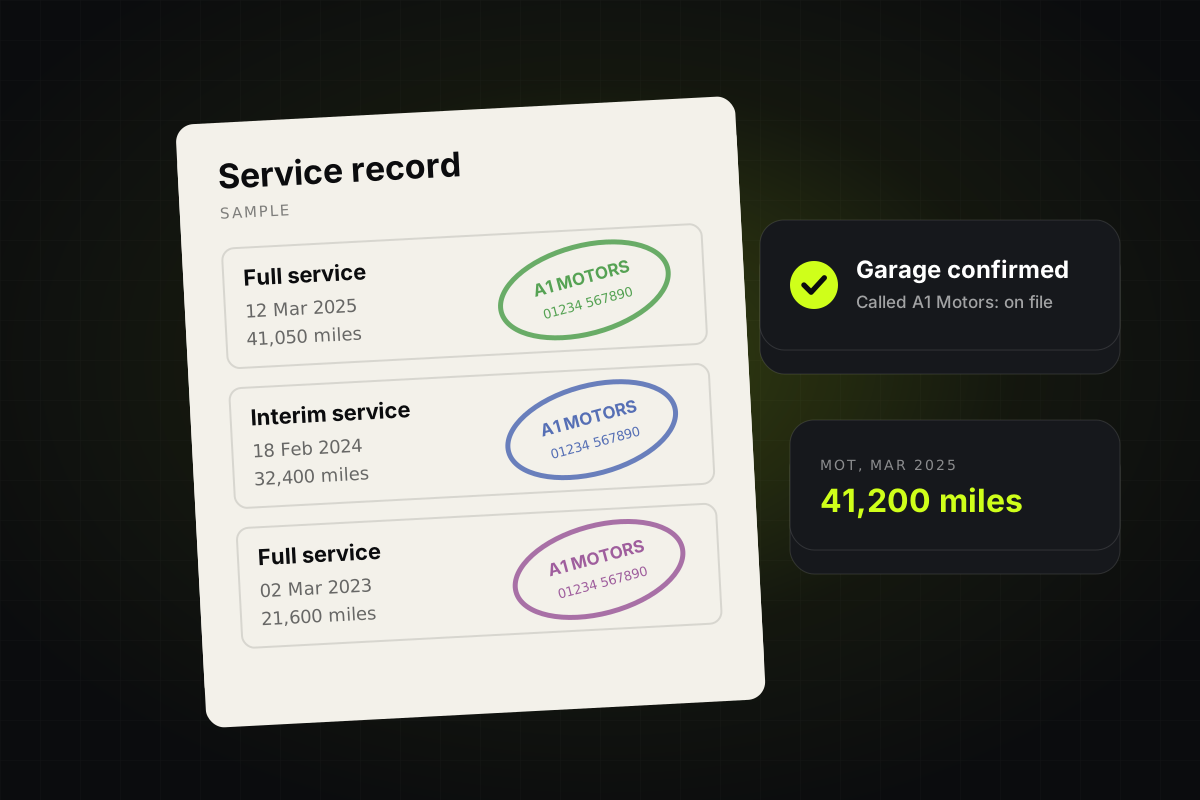
- The stampDate, mileage and garage
- Call the garageAsk them to confirm it
- Match the MOTsThe mileage should fit between tests
The service book
Each stamp should show the date, the mileage and the garage’s name and phone number. Look at the handwriting and ink: a run of stamps that all look fresh and identical can be a sign the book was filled in all at once.
Digital service records
Many makers now keep service records online instead of in a book. A franchised dealer for the make can usually look them up from the VIN, and the seller can often print them from the car’s app or the maker’s website. Ask for them before you travel.
Call the garages
Ring one or two of the garages in the book and ask if they serviced a car with this registration on that date. Most will tell you. A garage that has never heard of the car is a red flag.
Match it to the MOT history
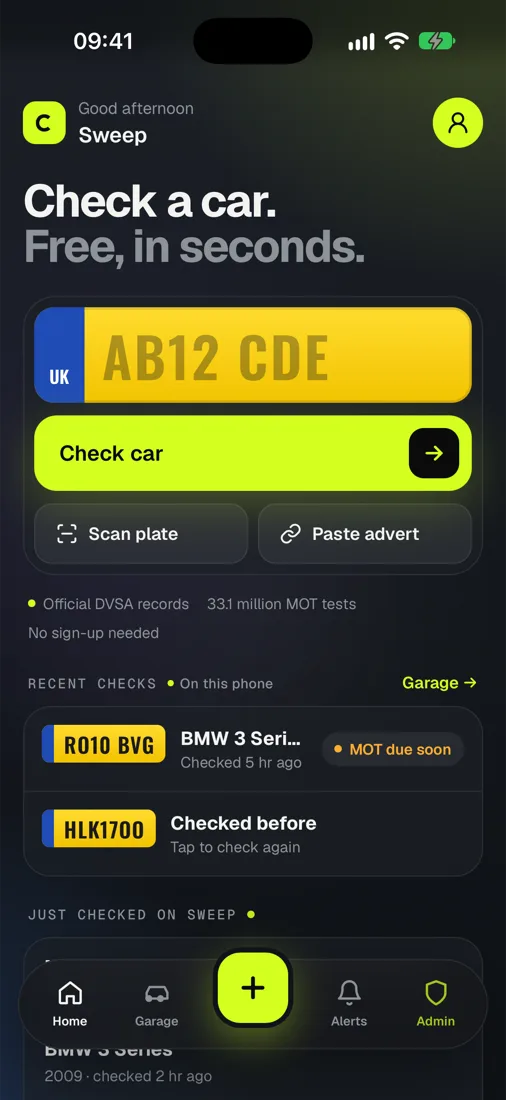
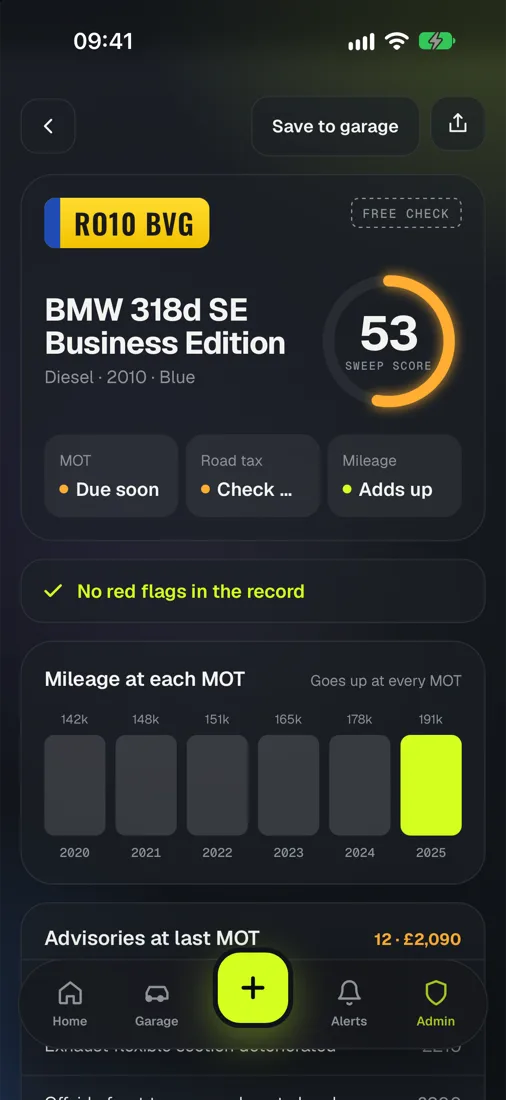
The free MOT history shows the mileage at every test. Each service mileage should sit between the MOTs either side of it. A service at 60,000 miles a year after an MOT at 70,000 doesn’t add up.
The big jobs
Look for the expensive items that fall due with age and miles: the timing belt (often every 60,000 to 100,000 miles or 5 to 10 years, depending on the engine), brake fluid and, on automatics, the gearbox oil. A car near its timing belt mileage with no record of it should cost less.
- Full main dealerEvery service, stamped or online.
- Full, mixed garagesFine if the garages confirm it.
- Part historyAsk about the gaps.
- NonePrice it in, and budget for a big service.