Buying a used electric car: checking the battery
The battery is the most expensive part of an electric car. How to check its health before you buy.
Why the battery matters
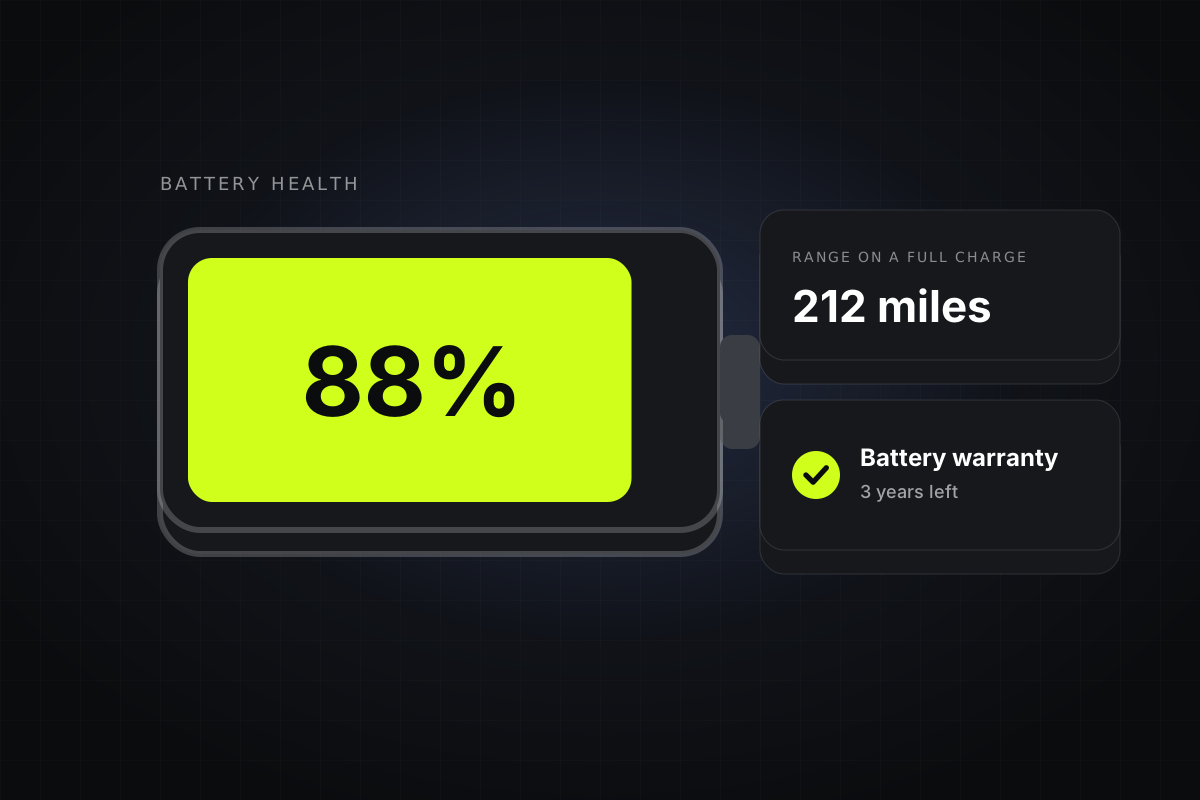
Batteries slowly lose capacity as they age and charge, so an older car goes less far on a charge than it did new. Most lose a little each year, but heat, age and lots of rapid charging can make it more. A replacement battery can cost thousands, so check it first.
- 90% or moreLike new, or close to it.
- 80–90%Normal for a few years and miles.
- 70–80%Noticeably less range. Price it in.
- Under 70%Often where battery warranties pay out. Ask first.
Ask for a battery health report
Battery health, or state of health (SoH), is the share of the original capacity left. Many dealers can give you a report, some cars show it in their menus, and independent battery tests are available. Treat a seller who won’t let you check it with caution.
Check the battery warranty
Most makers cover the battery for around 8 years and 100,000 miles, usually if its capacity falls below about 70%. Find out when the car was first registered and how much of the warranty is left, and whether it passes to you.
- Health reportState of health, in %
- Warranty leftYears and miles
- Range testFully charged, on the road
Test the range
Ask for the car fully charged when you view it. Compare the range on the dashboard with what the model managed new, and drive it long enough to see whether the range drops as quickly as the miles.
Charging and cables
Check the charging cables are included, the charging flap and socket aren’t damaged, and, if you can, that it rapid-charges at a sensible speed. Ask how it was usually charged.
Running costs
Electric cars don’t pay clean air zone charges and need less servicing. Since April 2025 they pay road tax like other cars, so check the rate for the one you’re looking at.