What to check on a test drive
Twenty minutes behind the wheel tells you more than any advert. What to listen, look and feel for.
Make sure you’re insured
A dealer’s trade insurance usually covers you on a test drive. With a private seller it’s up to you: check whether your own policy covers driving other cars (many don’t any more), or buy short-term cover for the day. Never drive it uninsured.
- Engine cold when you arrive
- Every warning light comes on, then goes out
- No smoke from the exhaust
- You’re insured to drive it
- Brakes stop straight, without noise
- Clutch bites in the middle
- Gears change smoothly
- No knocks over bumps
- No new warning lights
- No leaks under the car
- Heater and air con both work
- Mileage matches the advert
Ask for the engine cold
Ask the seller not to run the car before you arrive, and feel the bonnet when you get there. A warm engine can hide a poor start, a rattle that fades as it warms up, or smoke that only shows from cold.
Watch the dashboard
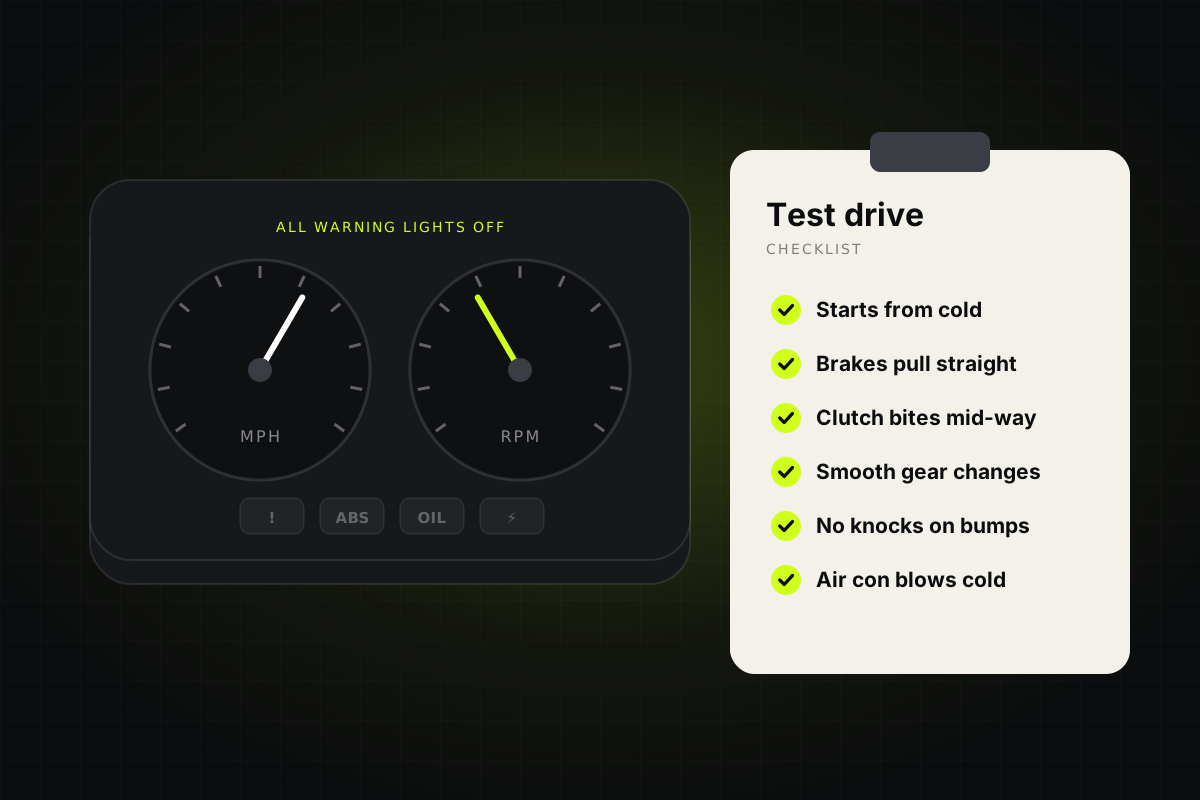
When you turn the key, every warning light should come on briefly and then go out. A light that never comes on may have had its bulb taken out to hide a fault. One that stays on needs explaining before you go any further.
Drive it properly
Try town streets, a faster road and a few bumps. The brakes shouldn’t pull to one side, the steering should feel straight, and you shouldn’t hear knocks from the suspension. In a manual, a clutch that bites very high may be close to needing replacing.
- Cold startLights on, then off
- TownClutch, brakes, steering
- Faster roadGears, noise, pulling
- BumpsListen for knocks
Check everything works
Heater, air con, windows, mirrors, lights, wipers and the infotainment. None of it is expensive on its own, but it adds up, and each fault is a reason to ask for money off.
Back at the seller’s
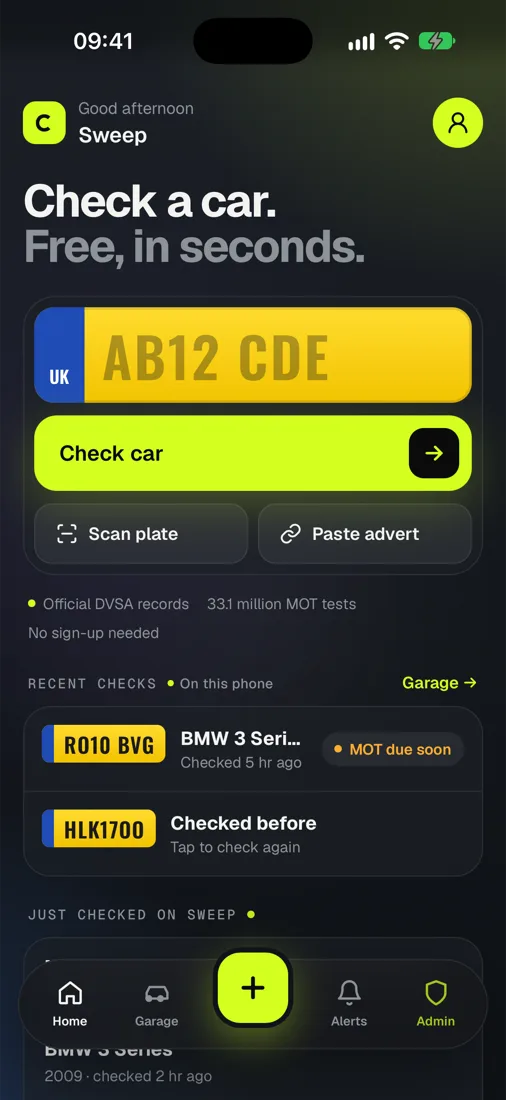
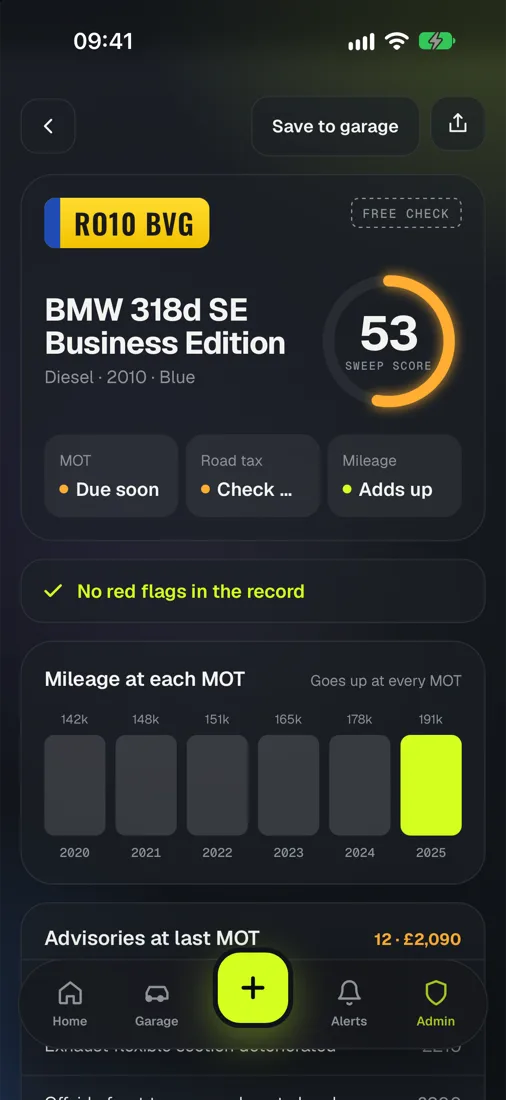
Look under the car for drips, check the mileage on the dashboard matches the advert, and compare it with the MOT history. A free Sweep check shows the mileage at every MOT, so you can tell if it’s gone backwards.