How to pay for a used car safely
Most used car scams happen at the payment. When to pay, how to pay and what to get in return.
Never pay for a car you haven’t seen
Deposits for cars that are “abroad”, “in storage” or “being delivered” are the most common used car scam. If you can’t see the car and the seller in person, don’t send money.
- See the carIn person, at the seller’s address
- Check the logbookName, address and VIN
- PayBy bank transfer, in front of them
- Get a receiptWith the VIN and price
Beware fake escrow
Scammers often suggest a “secure escrow” or “buyer protection” service to hold your money. These sites are fake. A genuine private seller won’t need one.
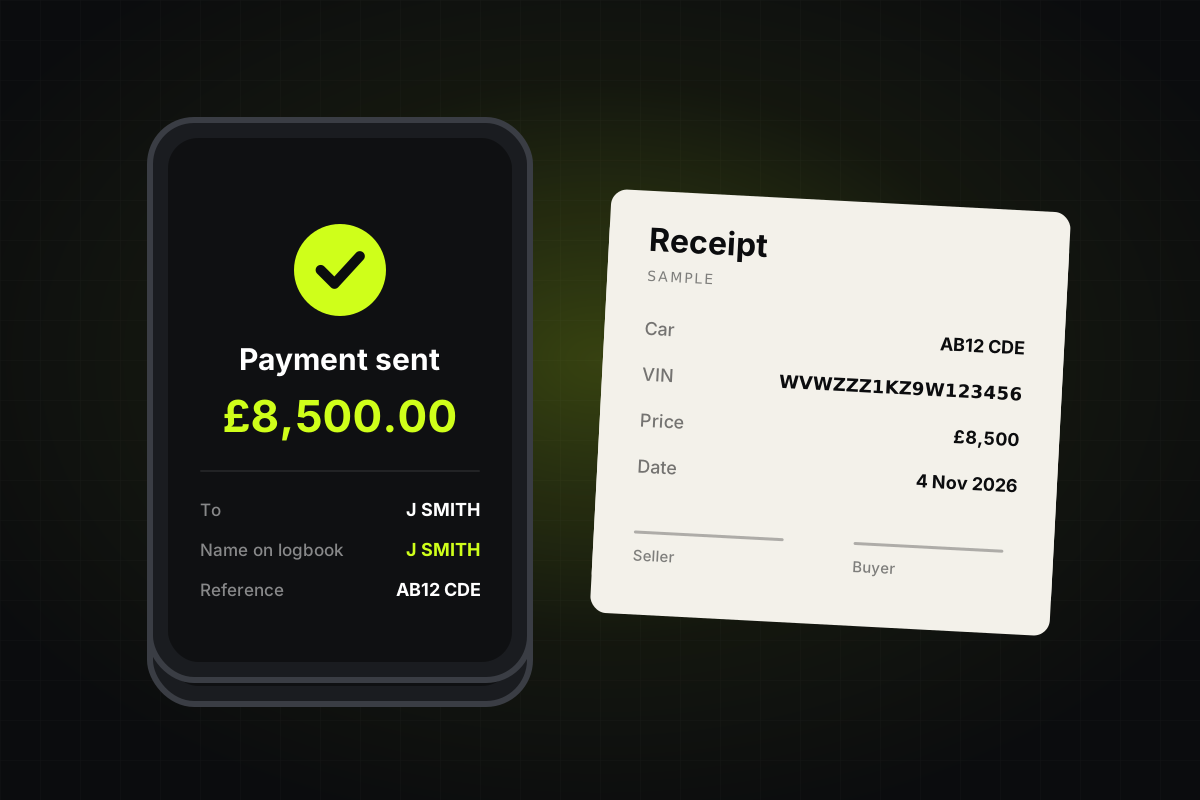
- Transfer, with the sellerName matches the logbook.
- Cash in personRisky to carry, hard to prove.
- Deposit before viewingThe most common scam.
- “Escrow” the seller suggestsAlmost always fake.
Paying a private seller
A bank transfer made while you’re with the seller, once you’ve checked the car and the logbook, is usually safest. Check the account name matches the name on the logbook. Carrying a lot of cash is risky, and a cash payment is hard to prove.
Paying a dealer
Paying part of the price on a credit card can give you extra protection: under Section 75 of the Consumer Credit Act, the card company can share responsibility if something goes wrong, for purchases between £100 and £30,000.
Get a receipt
Write down the date, price, the car’s registration and VIN, and both names and addresses, and both sign it. Keep it with the new keeper slip from the logbook.
Check before you pay
Run a history check first. If there’s finance still owing on the car, the lender can take it back from you, even after you’ve paid the seller.